Showing posts with label Blogger tips. Show all posts
0

Free 3 column blogger templates

These all are free to download XML templates which will work with the new blogger {blogger beta}.Most of them are 3 columned ones. Give a link back to this page after installing this templates. Feel free to share your opinion in comment box


How to install your template
Step 1.Click on Download Link


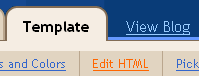
Step 2.Goto Edit template section of your layout tab

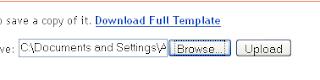
Step 3. Upload it from the place where you saved it.

Current templates available
last updated-11- December

Minima White
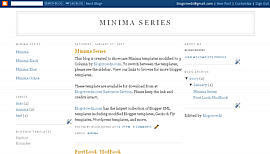


Minima Black


Minima Blue
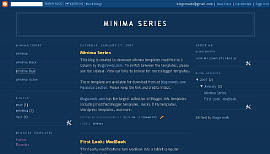


Minima Ochre
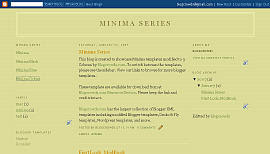


Son of Moto
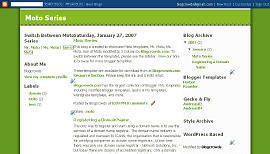


Ms.Moto
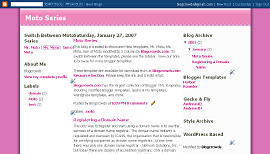


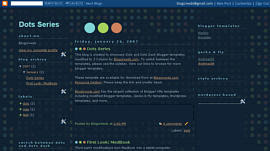
Dots
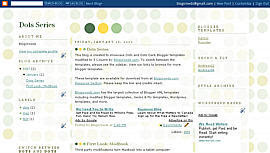


Dots Dark


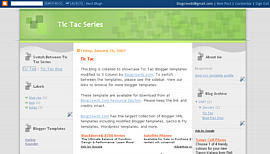
TicTac


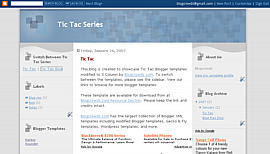
Tic Tac Blue


Denim
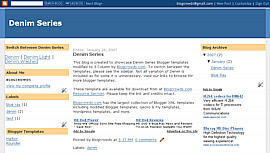


Denim Washed
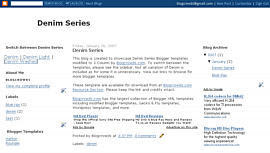


Denim Light
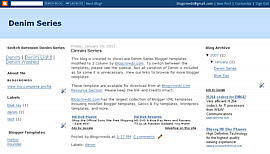


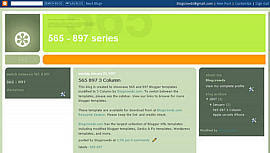
897
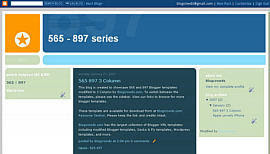


565


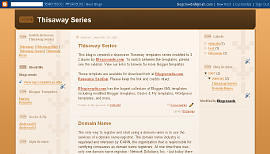
Thisaway


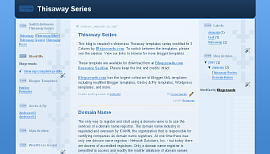
Thisaway Blue


Rounders(01)
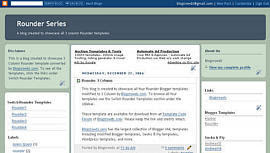


Rounders(02)
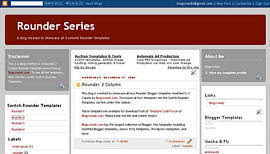


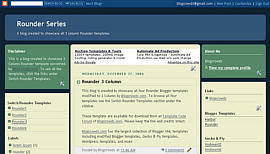
Rounders(03)


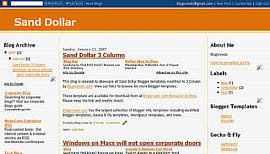
Sand Dollar


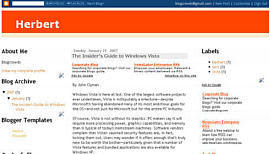
Herbert


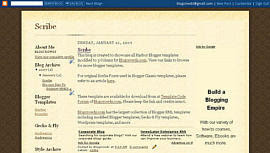
Scribe


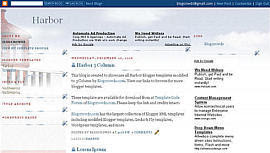
Harbor


Troubled installing them? comment in comment box in top left and I'll solve your problem

post signature


More...
0

Hide your Navbar in Blogger


1.-Open Your Layout Settings
2.-Go To The Edit HTML
3.-Put This Two Lines Of Code Inside The CSS Section That Is After The Color Parameters Arrays Of Your Blogger v3.0 Template And Before the /head Code Tag:

#navbar-iframe{opacity:0.0;filter:alpha(Opacity=0)}
#navbar-iframe:hover{opacity:1.0;filter:alpha(Opacity=100, FinishedOpacity=100)}


Need more guidance to do it? ok, just look for this spot in your template Before the /Head code tag in the CSS section:


And the put it there so it can look like this:


4.-Save Template
5.-Look At Your Blog

That is it, just two lines of code to do it this time, now, i must reiterate, this code only works for Blogger v3.0,

See my navbar for results. enjoy

its called Hovering Peek-A-Boo Blogger Navbar

post signature


More...
Arakne-Links Directory